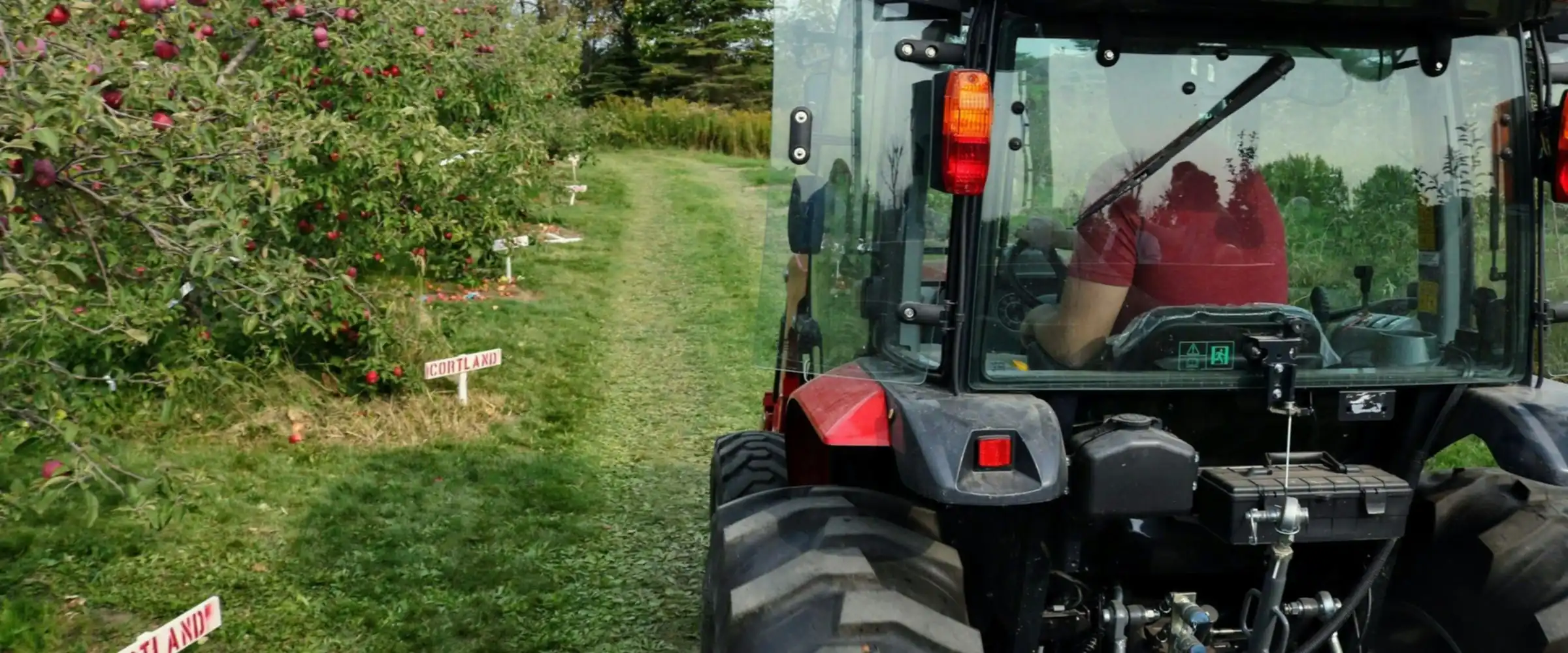
Connect your vehicles to your blocks.
Load your farm layout into Cheka: farms, fields and blocks. Cheka then records each time a tracked tractor, bakkie or sprayer rig enters and leaves a block, and the time it stays.
Who worked in this block, and for how long?
Each block has a visit list. Each visit shows the vehicle, the time in, the time out and the time on the block.
- Check spray and field work records against the actual visits.
- Check contractor hours for each block.
- See blocks that got no visit in a period.
Cheka records the vehicle position and time. It does not measure the spray rate or the volume applied.
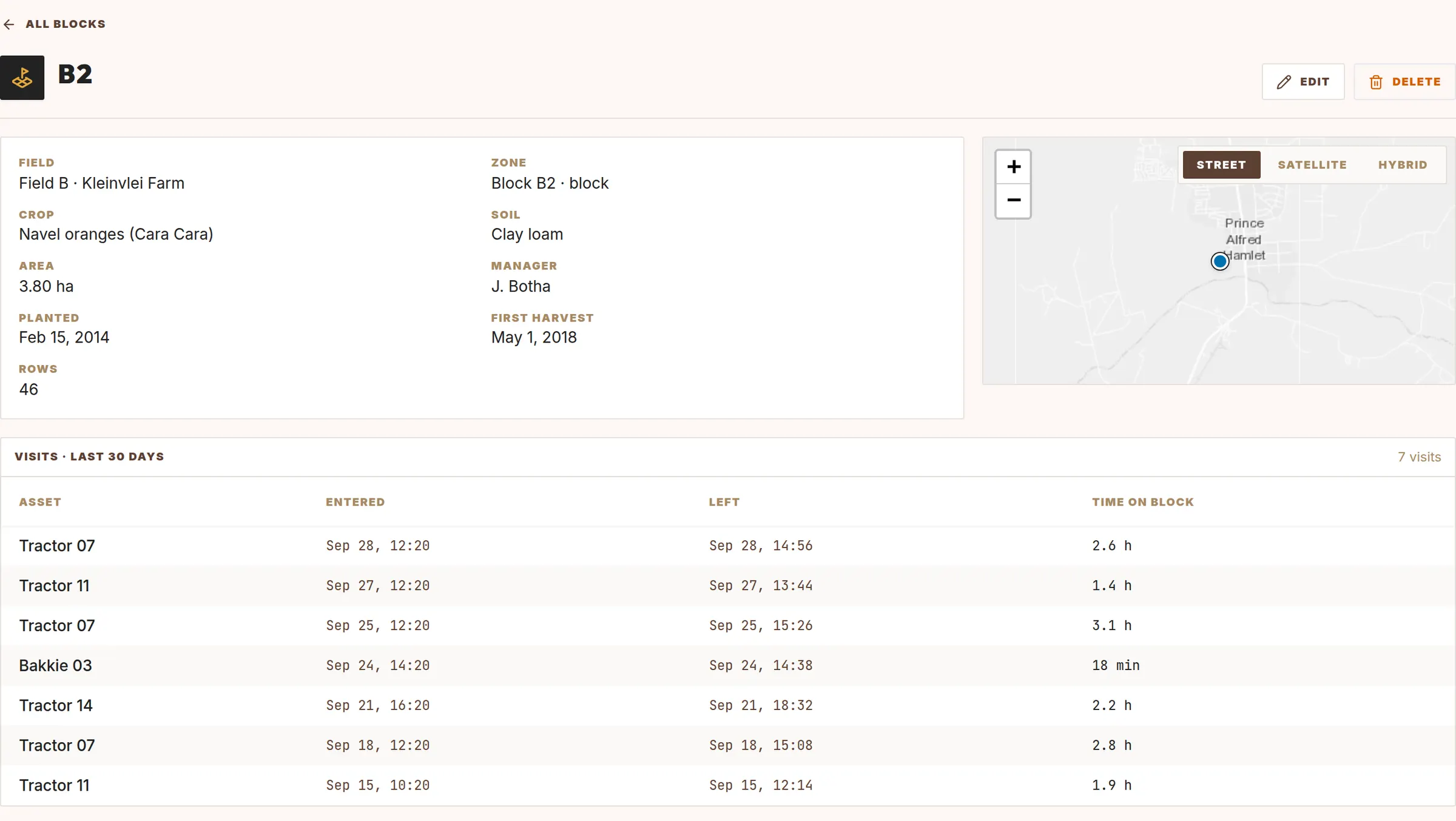
Farms, fields and blocks.
A block is a zone with farming data. Blocks belong to a field, and fields belong to a farm.
- Crop and variety, soil type and area in hectares.
- Planting date and first harvest date.
- Block manager.
- Your own attributes, for example the number of rows.
Use the maps you already have.
Upload a GeoJSON file
Upload your block boundaries. Map the file attributes to farm, field, block code, crop, soil and area.
Or use existing zones
Turn zones that you drew before into blocks of a field. They keep their shape.
Add tagging rules
Example: a tractor enters a block, so tag the trip as field work.
Add vibration rules
Example: flag rough work by a tractor inside a block.