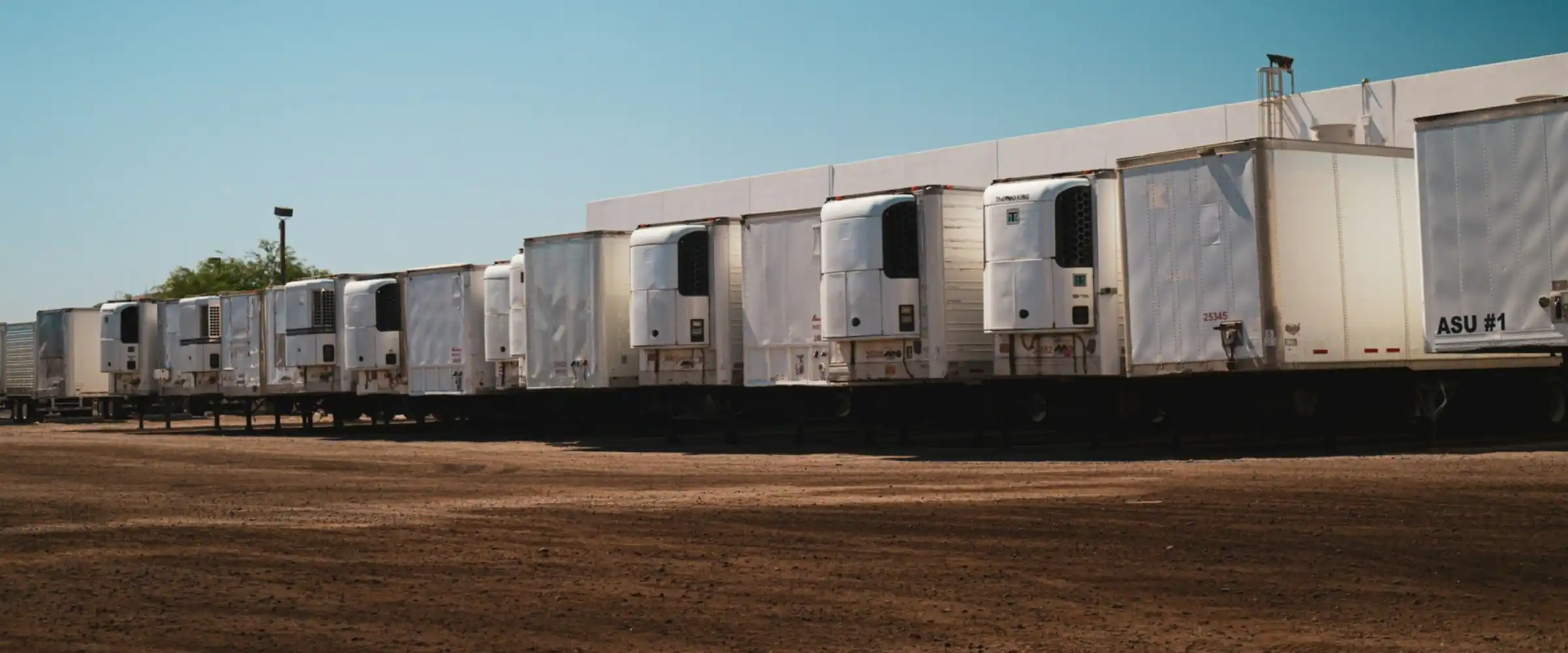
Your fleet, trip by trip.
Cheka shows where each vehicle is, what trips it made, which trailer it pulled and what happened on the way. Trucks, trailers, tractors, bakkies and tankers use one dashboard.
Live, at risk and completed.
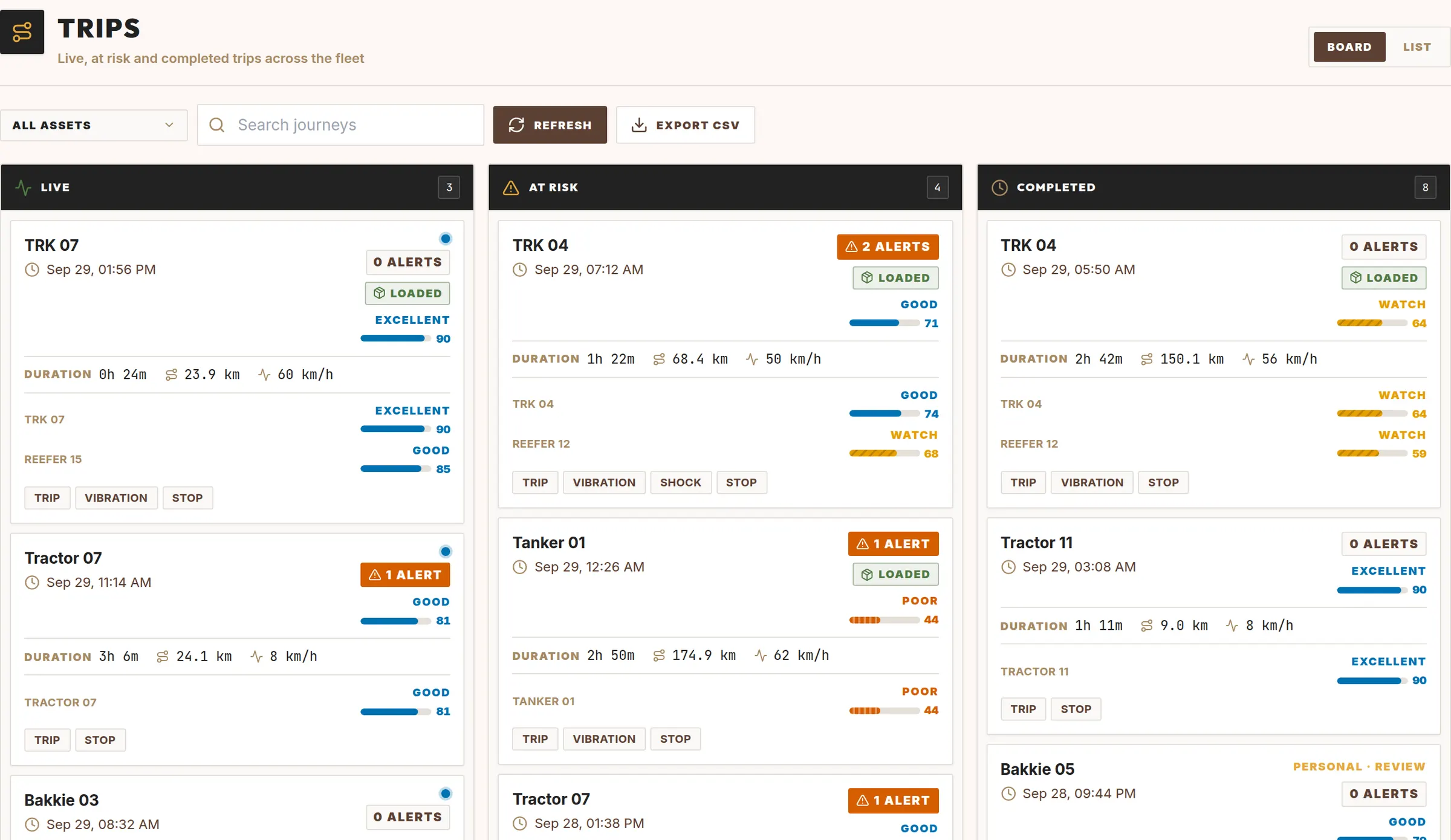
The trips board puts each trip in one of three columns. Live trips are on the road. At risk trips have open alerts. Completed trips are done.
- Duration, distance and average speed for each trip.
- Ride score for the truck and for each trailer.
- Stops named from your places or the nearest landmark.
- Board or list view. Export to CSV.
Which trailer is on which truck? Cheka knows.
Trailers swap between trucks all day. Keeping a list up to date is a headache, and a wrong list gives wrong reports. Cheka sees which trailer moves with which truck and proposes the coupling for you. Accept it with one click.
- Each trip shows the full rig: truck and trailers.
- Trailer events, like a warm reefer, go to the right truck and trip.
- Each trailer keeps its own history across trucks.
- Correct a past coupling, and the trips follow.
Your key places, found for you.
You do not have to draw every packhouse, depot and loading point by hand. Cheka finds the places where your vehicles stop again and again, and suggests them as zones. Name a suggestion and approve it. From then on, trips to that place get its name.
Suggested zone · 14 stops in 30 days · 4 vehicles
Approve as Wolseley Depot
Suggested zone · 9 stops in 30 days · reefers
Approve as Ceres Cold Store
Suggested zone · 6 stops · bakkies only
Ignore staff housing
Everything a fleet manager checks every day.
Four clear states
Each tracker is online, needs attention, standby or offline, with its own colour and shape on the map.
Alerts you acknowledge
Alerts show on the map and in a list. Acknowledge each one so the team knows it was seen.
Asset register
Registration, make, model, tare and payload. Mark a vehicle as in maintenance or broken down, with a reason.
Use the fleet you have
Trips, distance, drive time and idle time per vehicle over 7, 30 or 90 days. Find the vehicles that stand still.
Roles for each person.
| Task | Viewer | Admin |
|---|---|---|
| See the map, trips, logbook, alerts and analytics | Yes | Yes |
| Open trip data | Yes | Yes |
| Approve couplings and zones, add assets | No | Yes |
| Edit logbook entries | No | Yes |
| Manage rules | No | Yes |
| Export CSV | No | Yes |
Live display mode shows the fleet map on an office screen. It uses its own link, so no person needs to stay logged in.